
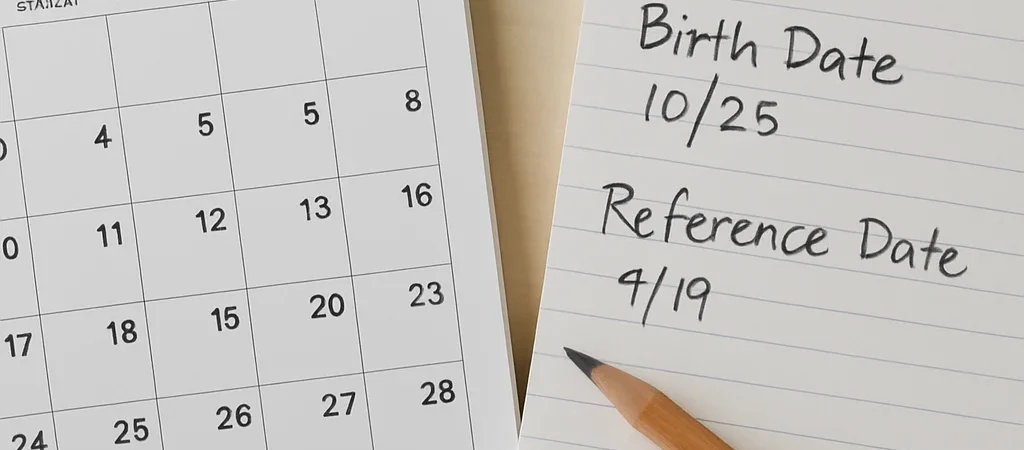
A form asks for your age on the first day of the year, but your birthday falls later in the spring. The answer is not necessarily the age you are today. To calculate an age for a particular date, compare the birth date with that reference date.
Choose the Reference Date
First identify the date the question is asking about: today, the start of a program, or another specific day. Enter that date along with the date of birth. If a form says “age as of” a particular date, use that date rather than the day you happen to complete the form.
Check Whether the Birthday Passed
Subtract the birth year from the reference year to get a starting age. Then compare the month and day: if the birthday has not yet occurred by the reference date, subtract one. For example, someone born on October 12, 1998 is 25 on September 1, 2024, and 26 on October 12, 2024.
Enter Dates Carefully
Date formats can be easy to misread: 04/05 could mean April 5 or May 4, depending on the format being used. Check the month and day labels before you calculate, especially when entering dates copied from an international document. A swapped date can change the result near a birthday.
Use the Result for Its Purpose
An age calculator gives a calendar-based answer from the dates entered; it does not decide which date a particular organization uses or how its rules apply. For an official form, follow the form’s stated reference date and instructions. If the date is unclear, confirm it with the organization before submitting.